Step 1.
Go to your email and accept the invite to your organization
Step 2.
Go to your dashboard
Step 3.
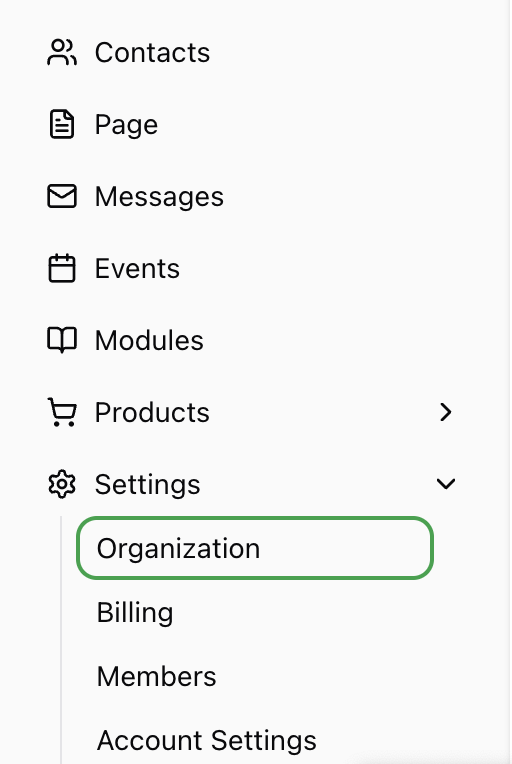
Go to Settings > Organization.
Step 4.
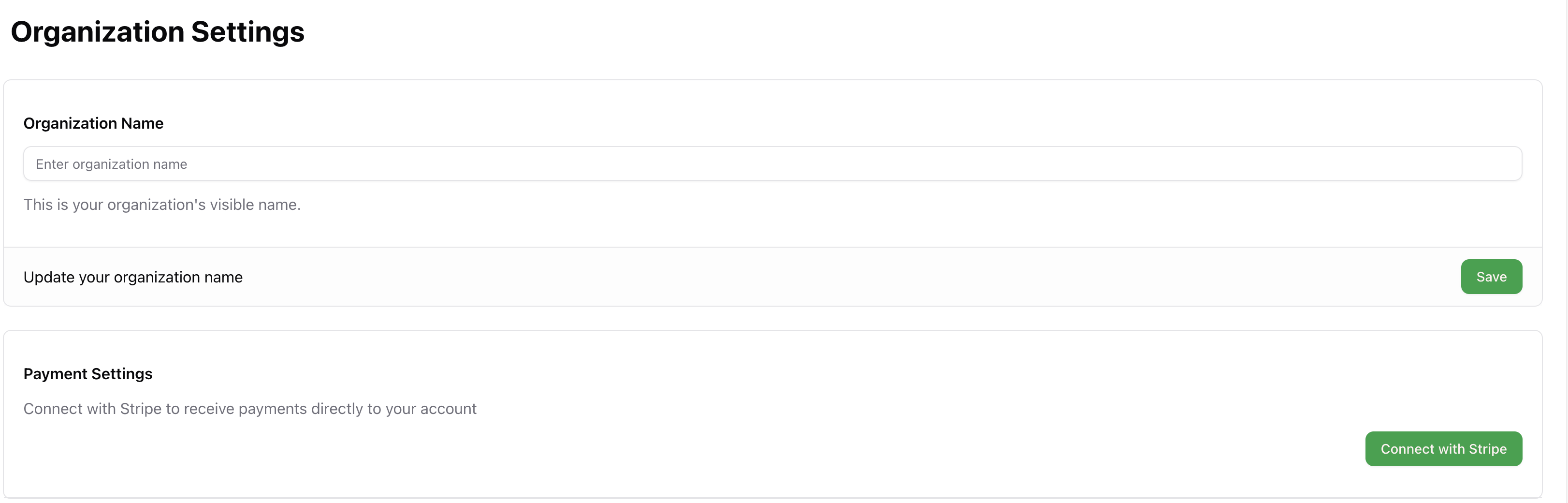
Click Connect with Stripe
Step 5.
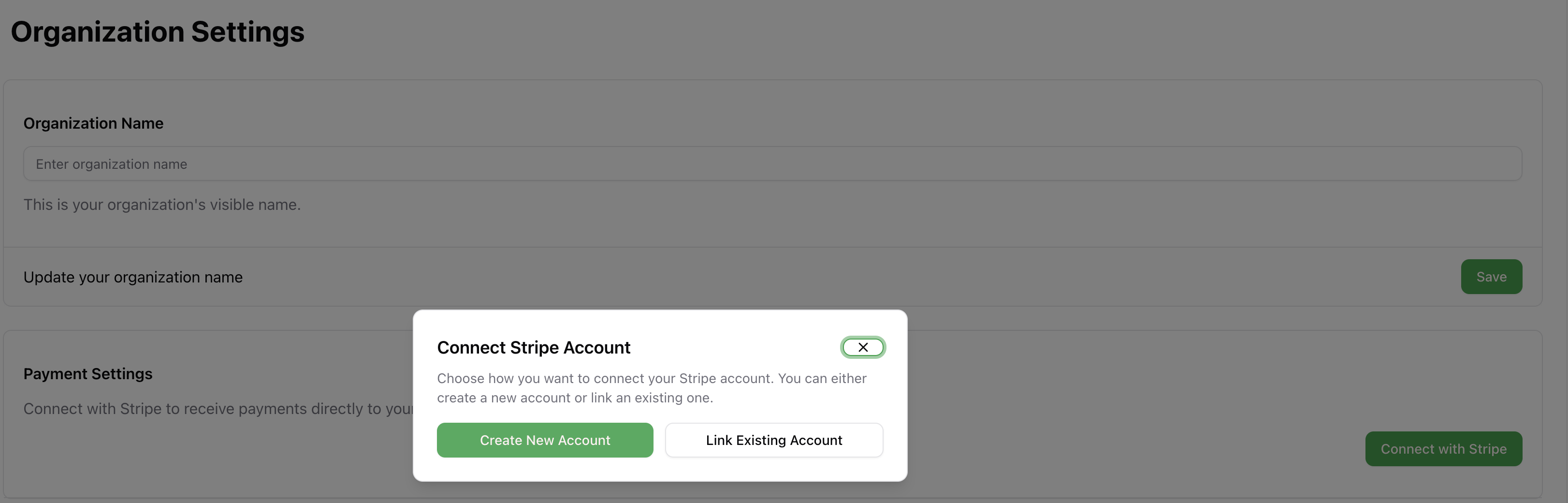
Connect your existing stripe account or create a new one
Search for a command to run...
Go to your email and accept the invite to your organization
Go to your dashboard
Go to Settings > Organization.
Click Connect with Stripe
Connect your existing stripe account or create a new one

Introducing Lahuta Pro Revolutionize your business, organization, event with our power suite of technologies To learn more about what we can do for you book a call here: Book Now
Read More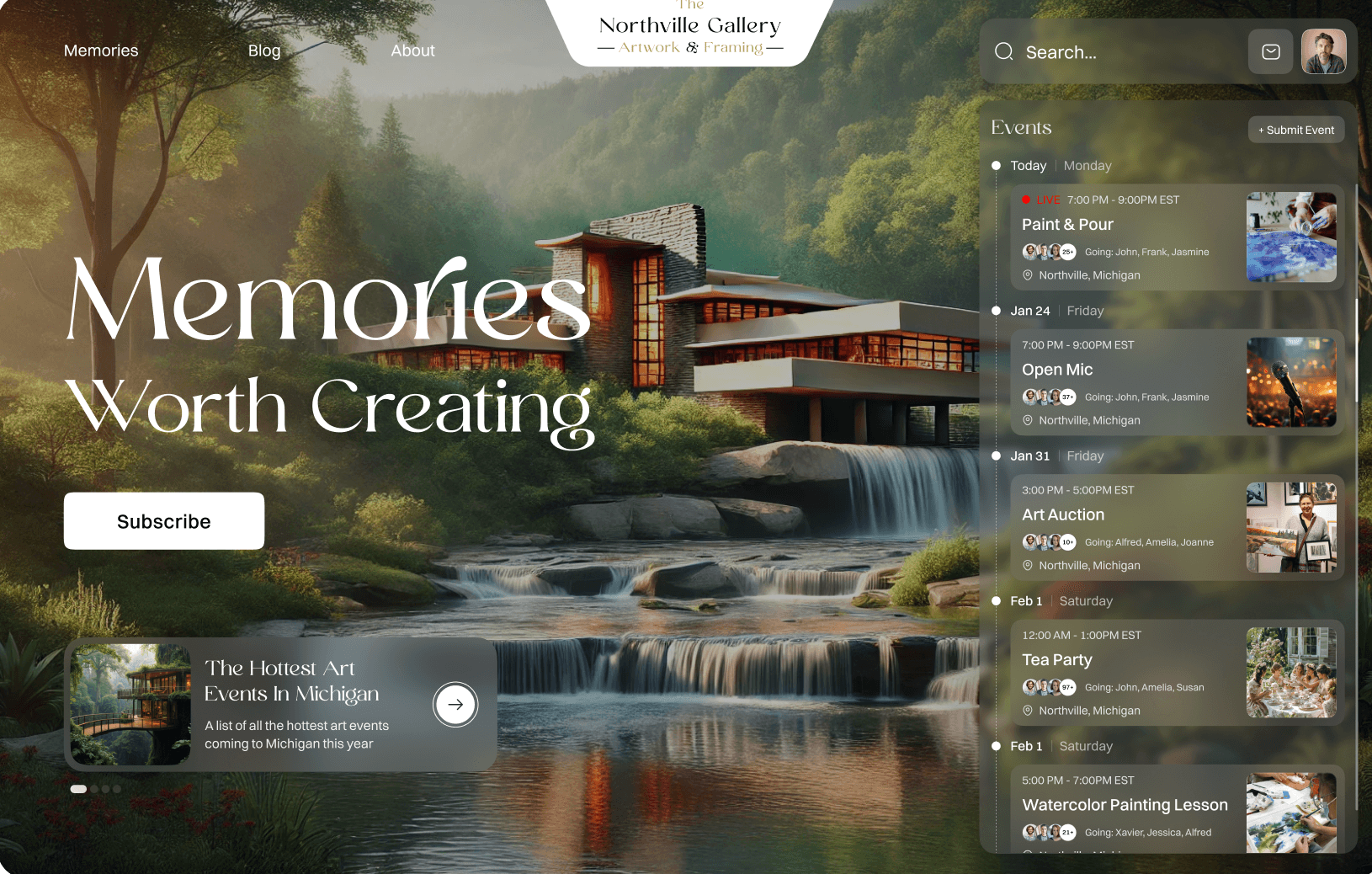
Visit Website Here The Northville Gallery is a cherished main street business in downtown Northville, Michigan. They feature artwork from 30+ local artists and provide high quality custom framing services. Full of…
Read MorePrivacy Policy Effective Date: May 15, 2025 At Lahuta (“we,” “our,” or “us”), we respect your privacy and are committed to protecting the personal information you may provide through our website, https://lahuta.org…
Read MoreGo to your email and accept the invite to your organization
Go to your dashboard
Go to Settings > Organization.
Click Connect with Stripe
Connect your existing stripe account or create a new one
Introducing Lahuta Pro Revolutionize your business, organization, event with our power suite of technologies To learn more about what we can do for you book a call here: Book Now
Read MoreVisit Website Here The Northville Gallery is a cherished main street business in downtown Northville, Michigan. They feature artwork from 30+ local artists and provide high quality custom framing services. Full of…
Read MorePrivacy Policy Effective Date: May 15, 2025 At Lahuta (“we,” “our,” or “us”), we respect your privacy and are committed to protecting the personal information you may provide through our website, https://lahuta.org…
Read More